Sales Workflow Automation for Small Consulting Firms
Sales Workflow Automation for Small Consulting Firms
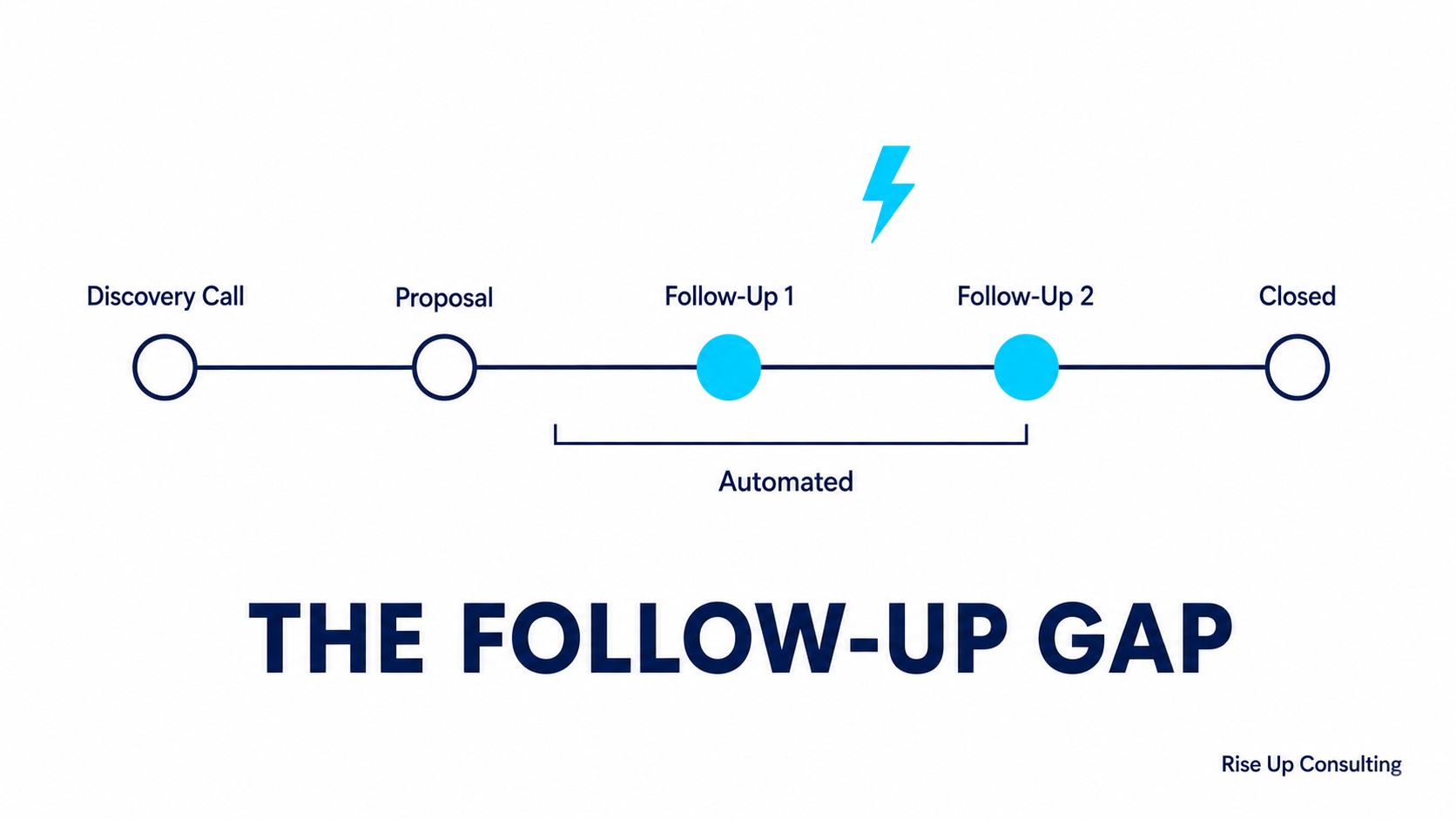
If you're running a small consulting firm, you already know the feeling: you finish a great discovery call, send a proposal, and then... life happens. A client project demands your attention, a team member needs guidance, and before you know it, two weeks have passed and you never followed up with that promising prospect. They've moved on, and so has your revenue.
This isn't a discipline problem. It's a systems problem. And sales workflow automation is the solution that growing consulting firms are quietly using to close more deals without working more hours.
---
What Sales Workflow Automation Actually Means for Consultants
Sales automation often gets associated with massive enterprise CRMs, complex software stacks, and dedicated sales teams. For a small consulting firm, those images can make the whole concept feel out of reach or over-engineered.
The reality is far simpler. Sales workflow automation, at its core, means removing the manual, repetitive steps from your sales process so that the right message reaches the right prospect at the right time, without you having to remember to do it.
For a consulting firm specifically, this might look like:
›A prospect fills out a contact form on your website and immediately receives a warm, personalized acknowledgment email while you're in a client meeting.
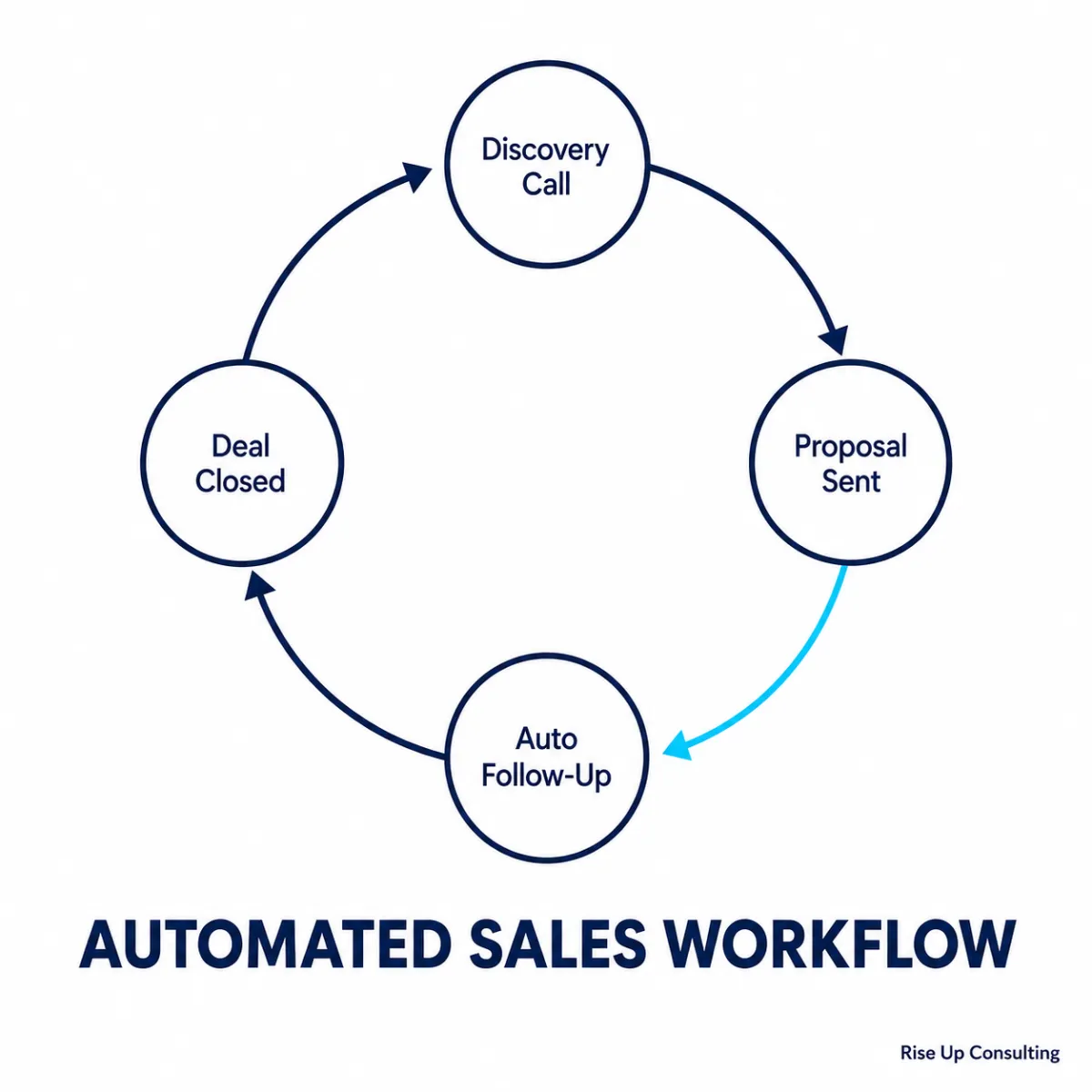
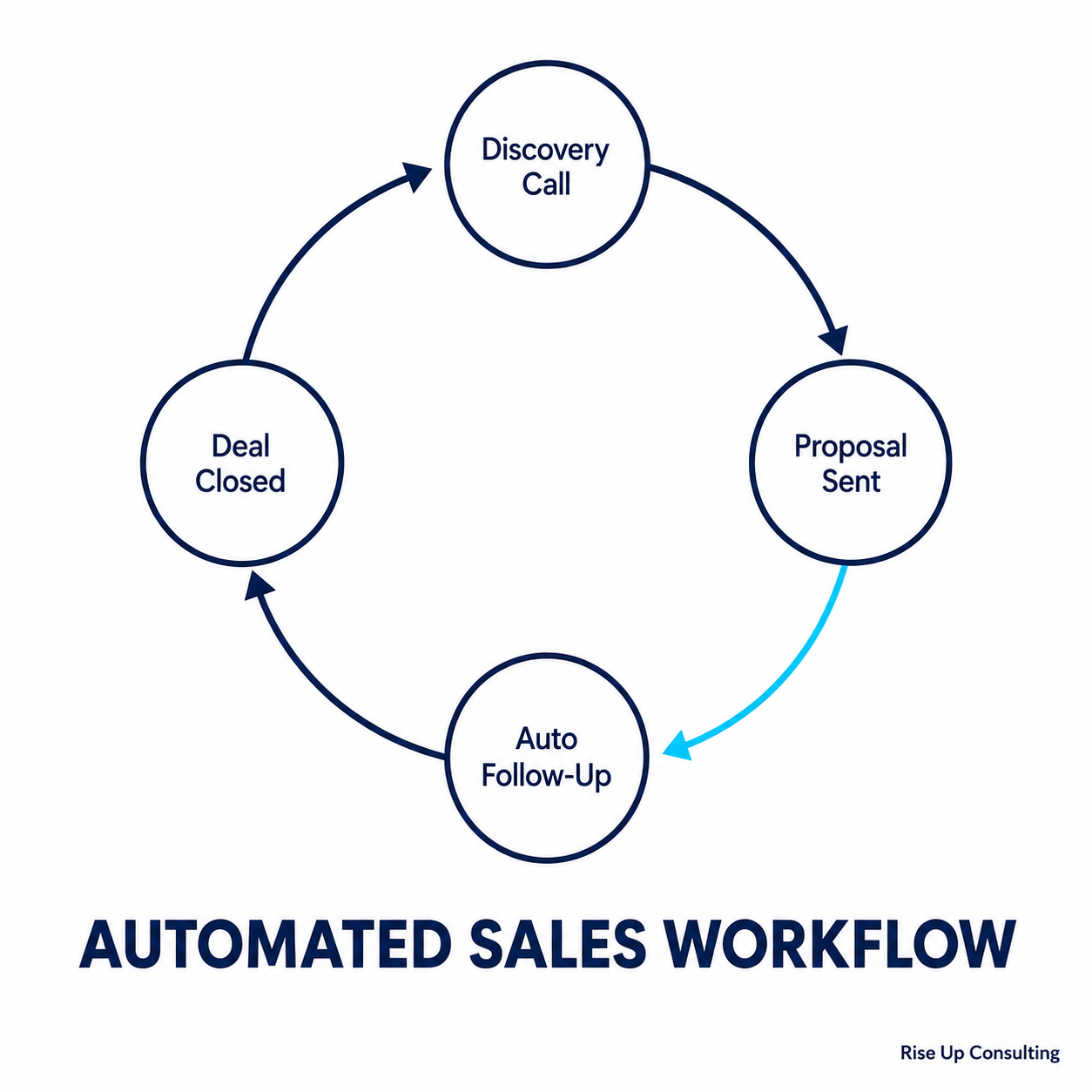
›A proposal goes out and, five days later, a follow-up email lands in the prospect's inbox asking if they have questions, automatically.
›A lead goes quiet after two touchpoints, and a final "closing the loop" message goes out on day fourteen without you writing a word.
None of these things require a large team or an enterprise budget. They require a clear process and the right tools configured to carry it out.
---
Why Small Consulting Firms Are Uniquely Positioned to Benefit
Larger firms have dedicated business development staff whose full-time job is managing the pipeline. You probably don't. That asymmetry used to be a real disadvantage, but automation levels the playing field in a meaningful way.
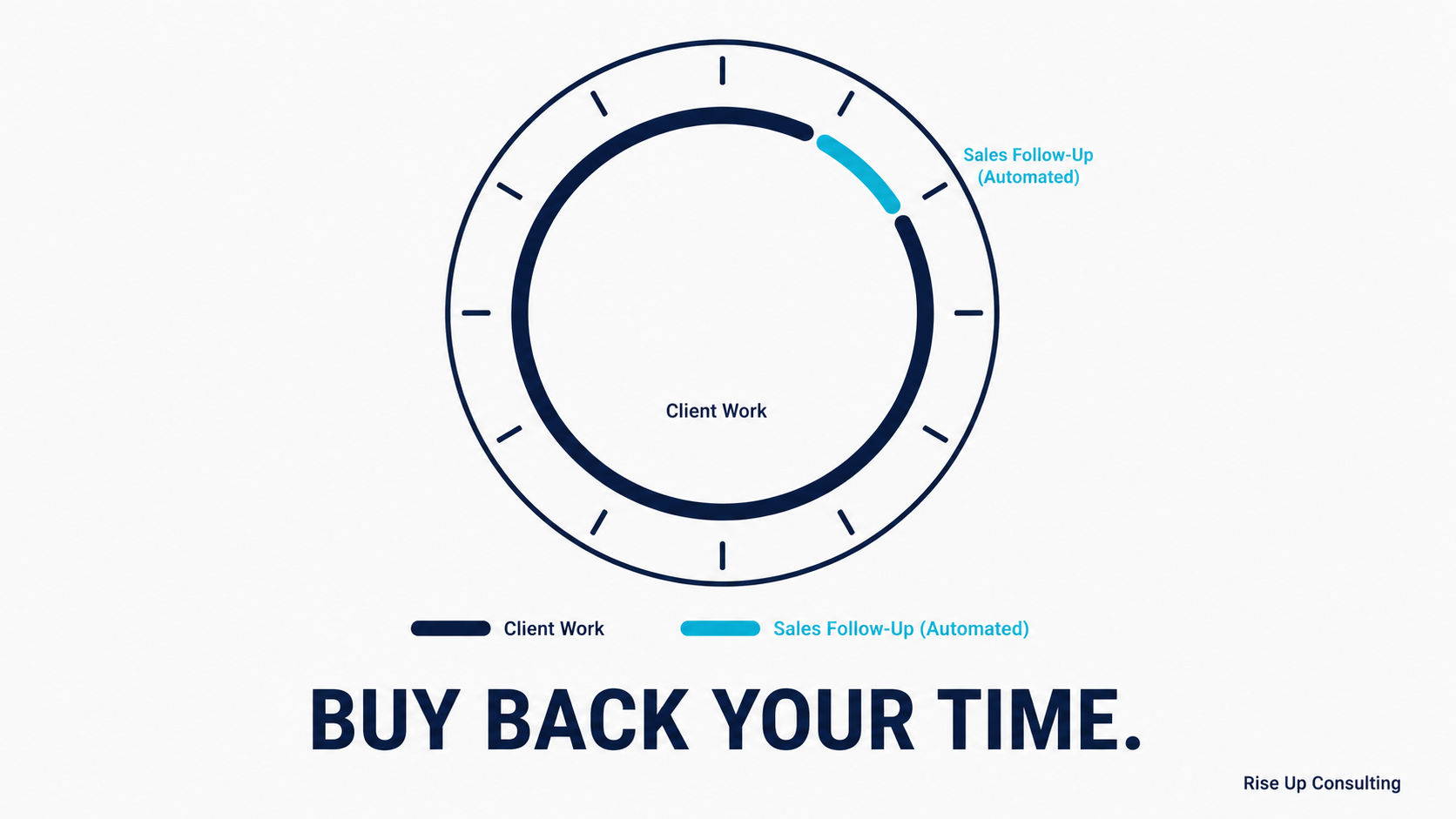
When you automate your sales follow-up, you're essentially hiring a tireless, perfectly consistent sales coordinator who never forgets, never gets overwhelmed by client work, and never lets a warm lead go cold because something urgent came up. The personal touch still comes from you, the strategy, the proposals, the relationship, but the process runs on its own.
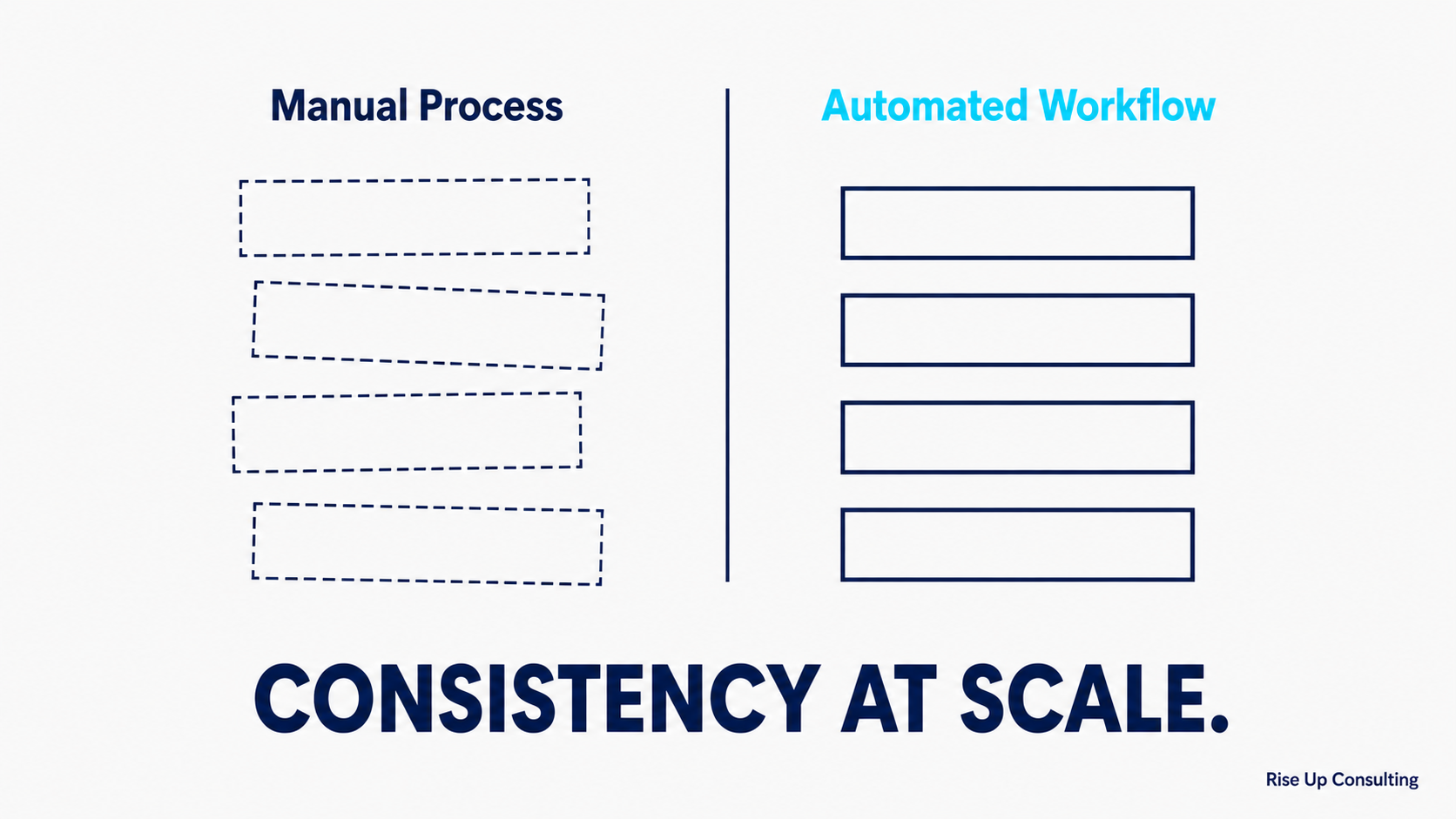
There's also a consistency argument to be made. Research from the sales world consistently shows that most deals close after five or more touchpoints, yet most small businesses give up after one or two. Automation doesn't just save time; it builds in the persistence that turns a maybe into a yes.
---
Mapping Your Consulting Sales Workflow Before You Automate Anything
One of the most common mistakes firms make is rushing to set up automation tools before understanding what they're automating. The result is a messy, ineffective system that creates more work than it saves.
Before touching any software, take an hour to map your current sales process from first contact to signed contract. Walk through each stage:
Stage 1: Lead capture.How do prospects find you? Website form, referral, LinkedIn, speaking events? Each channel may need a slightly different first response.
Stage 2: Initial outreach.What happens within the first 24 hours of a new inquiry? Who responds, what do they say, and what's the next step?
Stage 3: Discovery.How do prospects book a discovery call? Is this manual or do you use a scheduling tool? What happens if they don't book?
Stage 4: Proposal.After a discovery call, how long does it take to send a proposal? What follow-up happens if there's no response?
Stage 5: Decision.How do you handle objections, negotiations, or silence at the proposal stage? What's your process for closing?
Stage 6: Onboarding trigger.Once a contract is signed, what kicks off? Does this happen automatically or does someone need to start it manually?
Once you have this map, you can identify every point where tasks fall through the cracks, where delays hurt your conversion rate, and where automation would have the biggest impact.
---
The Core Automations Every Small Consulting Firm Should Have
Not every step in your sales process needs to be automated, and frankly, not every step should be. But there are several high-leverage automations that pay dividends almost immediately.
Not sure where your pipeline is leaking?Take the free 2-Minute Pipeline Diagnosticto find out in under two minutes.
Instant Lead Response
Speed matters more than most consultants realize. Studies show that responding to an inquiry within five minutes dramatically increases the likelihood of a conversation, while waiting even an hour cuts that probability significantly. If you're in client meetings all day, a five-minute manual response isn't realistic.
An automated response to a new inquiry isn't a cold, robotic message. Done well, it sounds like you: warm, specific to your firm's work, and clear about the next step. It acknowledges their inquiry, sets expectations about when they'll hear from you personally, and often includes a link to schedule a discovery call at their convenience.
Proposal Follow-Up Sequences
Sending a proposal and waiting passively is one of the most expensive habits in consulting. A structured follow-up sequence removes the awkwardness of "I don't want to seem pushy" while ensuring you stay top of mind.
A simple but effective sequence might look like this:
›Day 0:Proposal sent with a warm, personalized covering email.
›Day 5:A check-in asking if they have any questions about the proposal, offering to jump on a call.
›Day 10:A light-touch message sharing a relevant case study or insight that connects to their challenge.
›Day 14:A "closing the loop" message that gives them an easy out while opening the door to future conversations.
Each of these can be templated and triggered automatically when a prospect moves to the "Proposal Sent" stage in your CRM. You write them once. They run forever.
Re-engagement Campaigns for Cold Leads
Not every prospect is ready to buy when they first reach out. Life gets in the way for them too, budgets change, priorities shift, decisions get delayed. A lead who went cold six months ago might be the warmest opportunity in your pipeline today.
An automated re-engagement sequence, triggered when a lead has been inactive for 60 or 90 days, can quietly revive these opportunities with minimal effort on your part. A check-in, a relevant article, or a simple "we're still here" message is often all it takes to restart a conversation.
Post-Meeting Follow-Up
After every discovery or strategy call, the next 24 hours are critical. A timely follow-up that summarizes the conversation, restates the prospect's key challenges, and outlines the logical next step shows professionalism and keeps momentum alive.
This can be partially automated: a triggered reminder to send your follow-up, or even a partially templated email that you personalize in a few minutes before hitting send. The goal isn't to remove your voice, it's to make sure the follow-up actually happens.
---
Choosing the Right Tools Without Overbuilding Your Stack
The tools you use matter less than the process you're automating, but choosing the right ones for a small firm will save you a lot of frustration. Here's a practical framework:
If you're just getting started:A CRM like HubSpot (which has a generous free tier), Pipedrive, or even a well-structured Notion or Airtable database paired with a simple email tool like Mailchimp or ActiveCampaign can get you 80% of the way there. The key is having a place where every lead lives and a way to trigger email sequences based on what stage they're in.
If you're ready for more integration:Tools like HubSpot's paid tiers, ActiveCampaign, or Keap (formerly Infusionsoft) allow you to connect your scheduling tool, your proposal software, and your email sequences into a more unified system. When a discovery call is booked, the lead moves to the right stage automatically. When a proposal is sent, the follow-up sequence starts without any manual trigger.
For scheduling:Calendly, TidyCal, or Acuity Scheduling can be embedded directly into your automated emails, removing the back-and-forth of scheduling entirely and ensuring leads can book time with you at 11pm if that's when they're making decisions.
For proposals:Tools like PandaDoc or Proposify integrate with most CRMs, allowing you to trigger follow-up sequences automatically when a proposal is opened, viewed, or left unsigned past a certain date.
The single most important thing to avoid is building a stack so complex that you spend more time managing the tools than you would have spent doing things manually. Start simple. Add complexity only when a specific gap requires it.
---
Keeping the Human Element Alive in an Automated Process
There's a legitimate concern that automation makes your firm feel less personal, and in consulting, relationships are everything. This concern is worth taking seriously, but it's also largely solvable.
The key is to automate the process, not the relationship. Automated emails should sound like you. They should reference the specific thing a prospect mentioned, the industry they're in, or the challenge that brought them to you. This personalization can come from custom fields in your CRM that pull in relevant details, or it can come from a two-minute personal touch before a templated email goes out.
Equally important is knowing when not to automate. If a prospect sends a thoughtful, specific reply to one of your automated follow-ups, that conversation needs a real, personal response. Automation handles the silence and the follow-up sequences. Actual conversations happen between humans.
Think of automation as the scaffolding that holds your sales process together. The building itself, the insight, the empathy, the expertise, that's still entirely you.
---
Measuring Whether Your Automation Is Working
Implementing automation without measuring results is just adding complexity for its own sake. The good news is that measuring the impact of sales workflow automation is straightforward if you know what to track.
The most meaningful metrics for a small consulting firm are:
Lead response time.How quickly is a new inquiry getting its first touchpoint? This should drop to near-zero after implementing automated lead responses.
Follow-up completion rate.What percentage of proposals are getting a structured follow-up sequence versus falling into silence? This should move toward 100%.
Proposal-to-close rate.This is your clearest signal. If your conversion rate from proposal to signed contract improves after implementing follow-up sequences, the automation is doing its job.
Pipeline velocity.How long does it take for a lead to move from first contact to a decision? Automation tends to shorten this by keeping momentum alive between touchpoints.
Revenue from revived leads.Track how much business is coming from leads that had gone cold and were re-engaged through your automated sequences. This number tends to be a pleasant surprise.
Review these metrics quarterly, at minimum. They'll tell you which parts of your workflow are working, where leads are still falling out, and where your next optimization effort should focus.
---
A Realistic Timeline for Getting Started
One of the most paralyzing things about setting up any new system is the feeling that it has to be perfect before you launch it. It doesn't. A simple, slightly imperfect automation that actually runs is worth infinitely more than a complex, ideal system that lives in a document.
Here's a practical approach:
In your first two weeks, choose one CRM and commit to moving all your current leads into it. Don't worry about sequences yet. Just get your pipeline organized and visible.
In weeks three and four, write and activate your lead response automation. This single change tends to produce immediate results and builds confidence in the process.
In the following month, build out your proposal follow-up sequence. Write the emails, set the triggers, and let it run on your next five proposals.
From there, add one automation per quarter, re-engagement sequences, post-call follow-ups, onboarding triggers, until your entire sales workflow runs with minimal manual intervention.
---
The Long Game: Automation as a Growth Foundation
The real value of sales workflow automation isn't just the deals you close this quarter. It's what it does to the ceiling of your firm's growth.
Right now, if your business development depends entirely on your personal bandwidth, your ability to remember to follow up, your availability to respond quickly, your consistency across a hundred touchpoints, then your revenue is limited by your time. That's a hard ceiling.
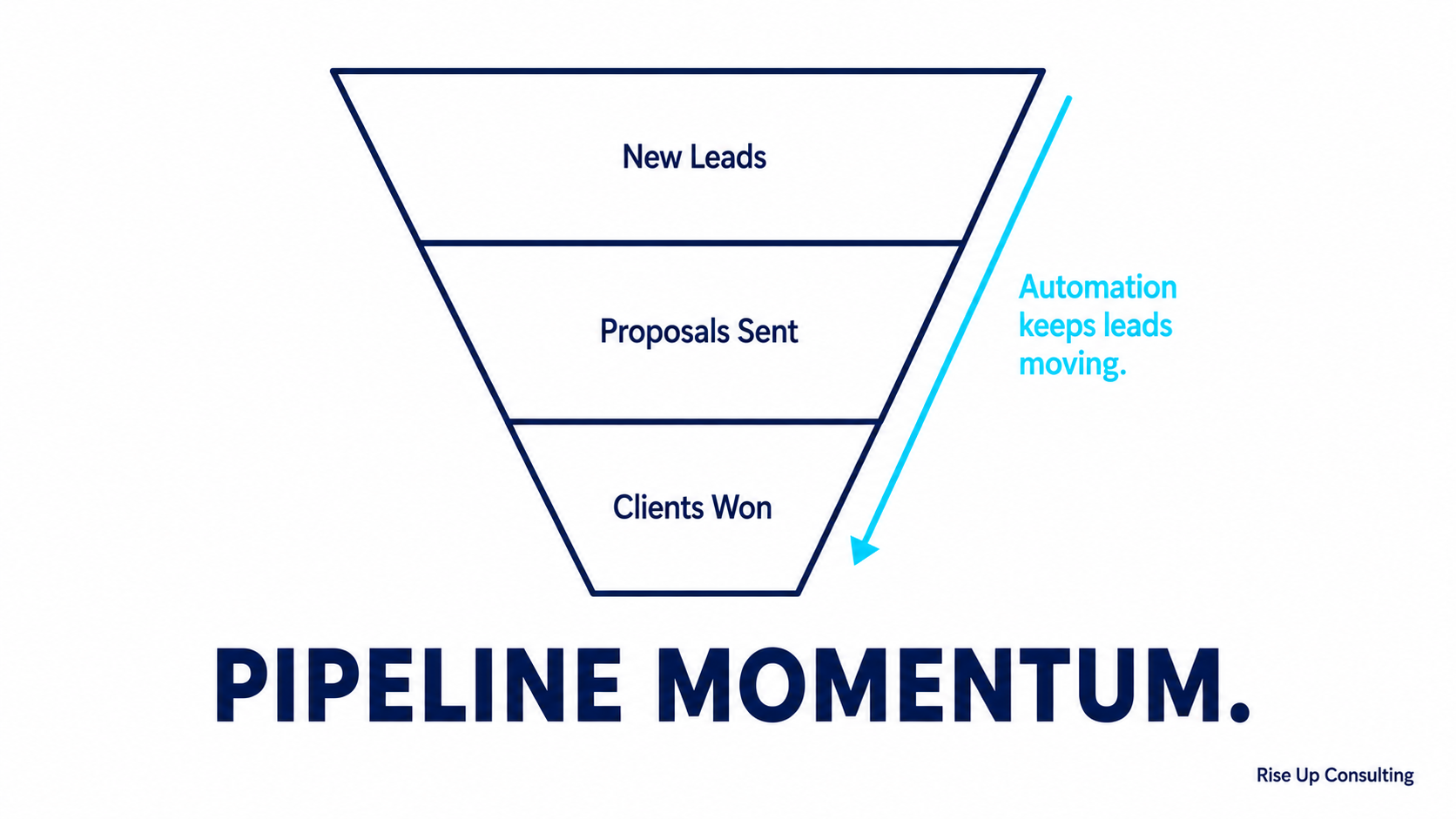
When your sales process is systematized and automated, that ceiling lifts. You can take on more leads without more chaos. You can go deep on client work without letting your pipeline go cold. You can bring on a new team member and hand them a documented, functioning system rather than tribal knowledge in your head.
For a small consulting firm with ambitions to grow, that shift from person-dependent to system-dependent is one of the most important transitions you'll make. Sales workflow automation is one of the clearest paths to getting there.
---
Ready to build a sales system that works while you're busy doing the work you love? Rise Up Consulting helps small consulting firms design and implement the workflows, automation, and tools that turn inconsistent pipelines into predictable revenue. Let's talk.
---
Ready to see exactly where your revenue system is leaking?Get a free revenue auditwith our team, completely free, no pitch.