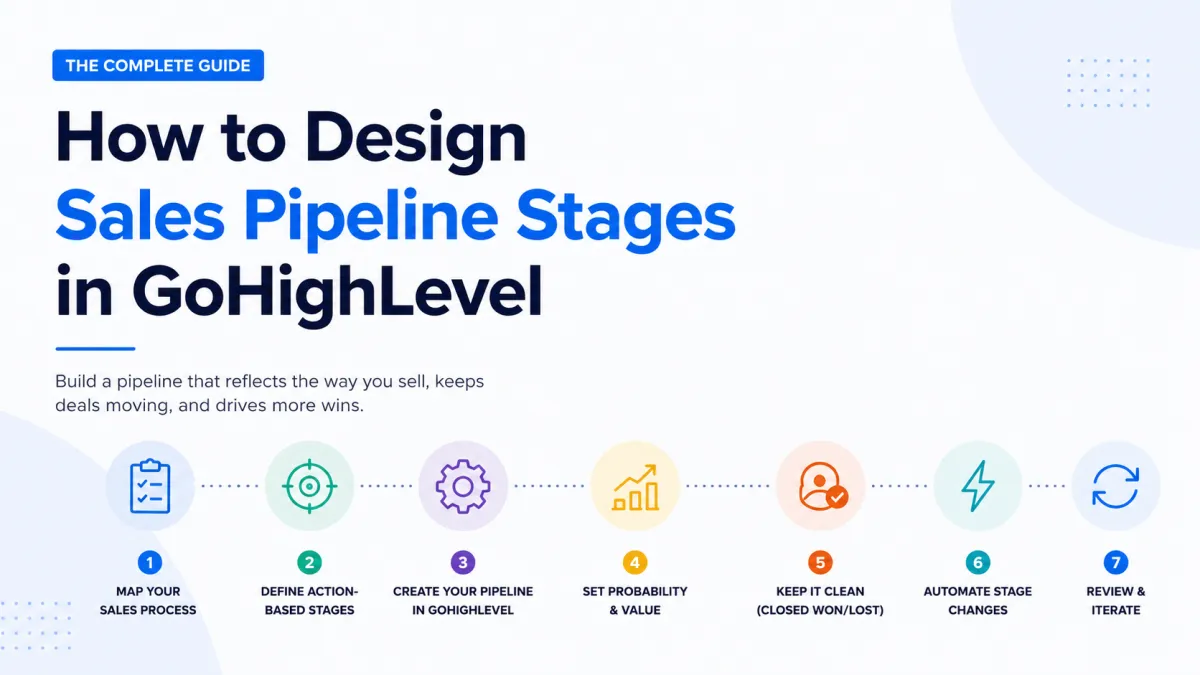
How to Design Sales Pipeline Stages in GoHighLevel
If you've ever lost a deal simply because it slipped through the cracks, the problem usually isn't your sales skills, it's your pipeline. A well-designed pipeline in GoHighLevel gives every lead a clearly defined path from first contact to closed deal, so nothing gets forgotten and your team always knows what to do next.
This guide walks you through exactly how to design pipeline stages that reflect the way your business actually sells.
---
Quick answer: what pipeline stages should you use in GoHighLevel?
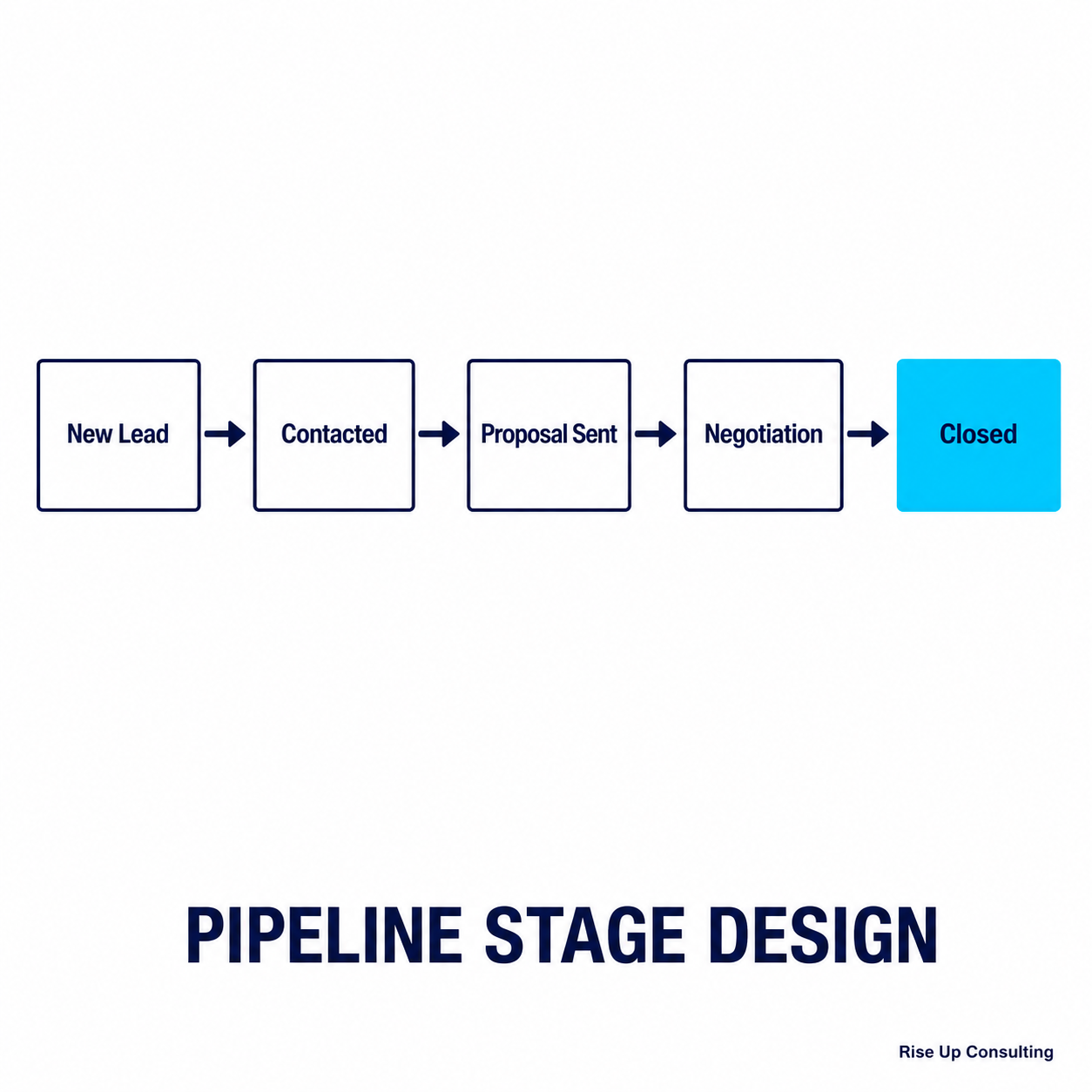
For most service businesses, five to seven stages is the right number. Each stage should describe something that actually happened, not a feeling about the lead. A setup that works for most consultants, coaches, and agencies:
- New Inquiry: the lead came in and nobody has replied yet.
- Contact Made: you have had a real exchange.
- Call Booked: a discovery or strategy call is on the calendar.
- Call Completed: the call happened and there is a fit.
- Proposal Sent: a written offer is in their inbox.
- Decision Pending: they are deciding and follow-up is active.
Then use GoHighLevel's built-in Won, Lost, and Abandoned statuses to close deals out. More on why below.
Why Pipeline Design Matters More Than You Think
Most businesses set up a pipeline once, never touch it again, and then wonder why their close rates are stuck. The stages you choose are more than labels, they're a map of your sales process. When your pipeline matches how your prospects actually move through a decision, you get cleaner data, faster follow-up, and a team that operates without confusion.
GoHighLevel's pipeline system is powerful, but the tool only works as well as the thinking you put into it. Let's start with that thinking.
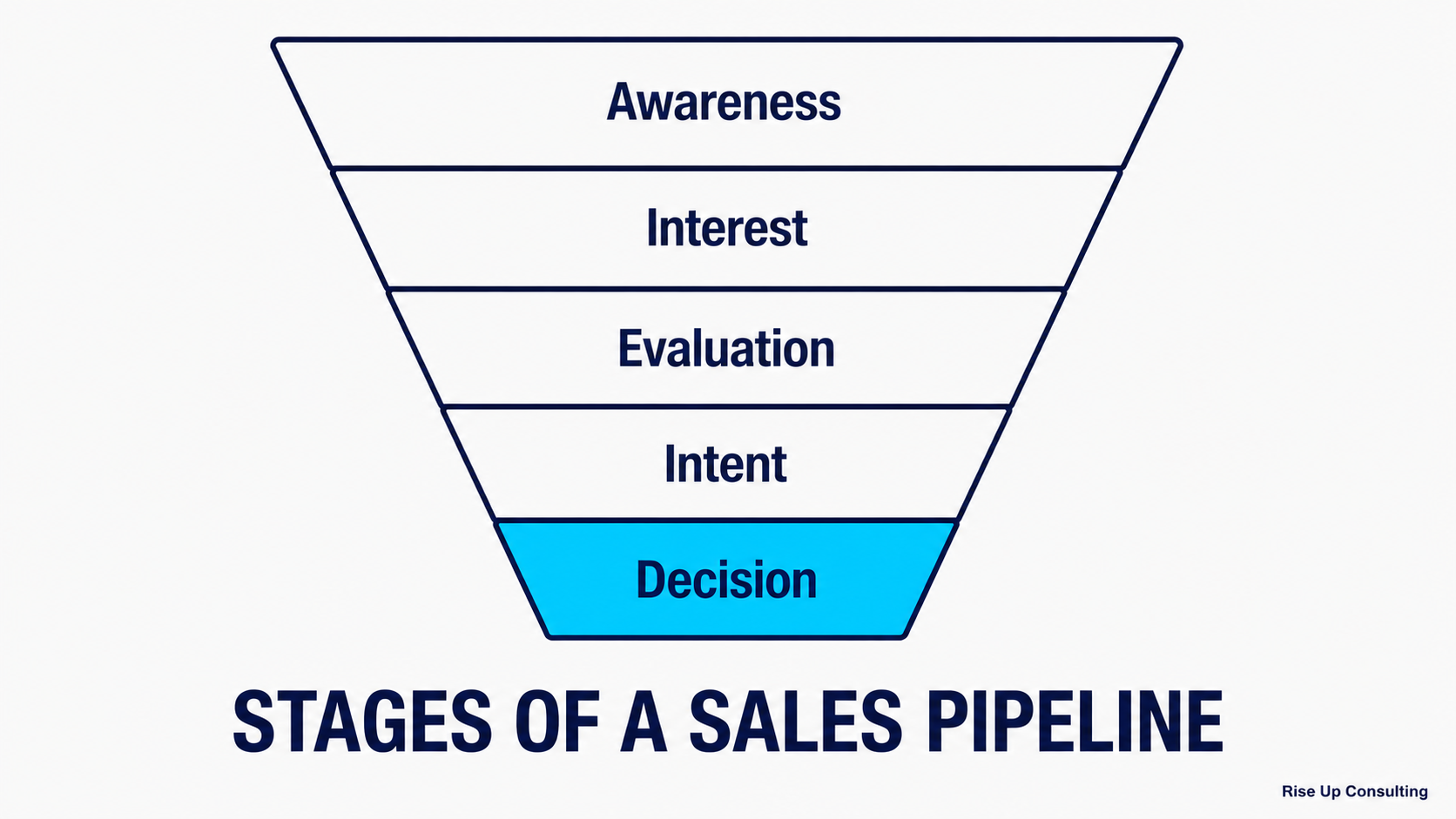
Step 1: Map Your Sales Process Before You Touch GoHighLevel
Before you log into the platform, grab a whiteboard or a blank document and answer this question:
What has to happen for a lead to become a customer?
Walk through a recent sale from memory. Where did the lead come from? What was the first conversation like? Did they need a proposal? A demo? A discovery call? How long did it take before they said yes?
Write down every meaningful event in that journey. Don't worry about naming stages yet, just capture the milestones. You're looking for moments where somethingchangesabout the relationship or the lead's readiness to buy.
Common milestones might include:
›The lead responds for the first time
›A discovery call is scheduled or completed
›A proposal or quote is sent
›The lead requests time to think or talk to a partner
›A decision is made (yes or no)
Once you have these milestones, you're ready to turn them into stages.
Step 2: Define Your Stages Around Actions, Not Vague Statuses
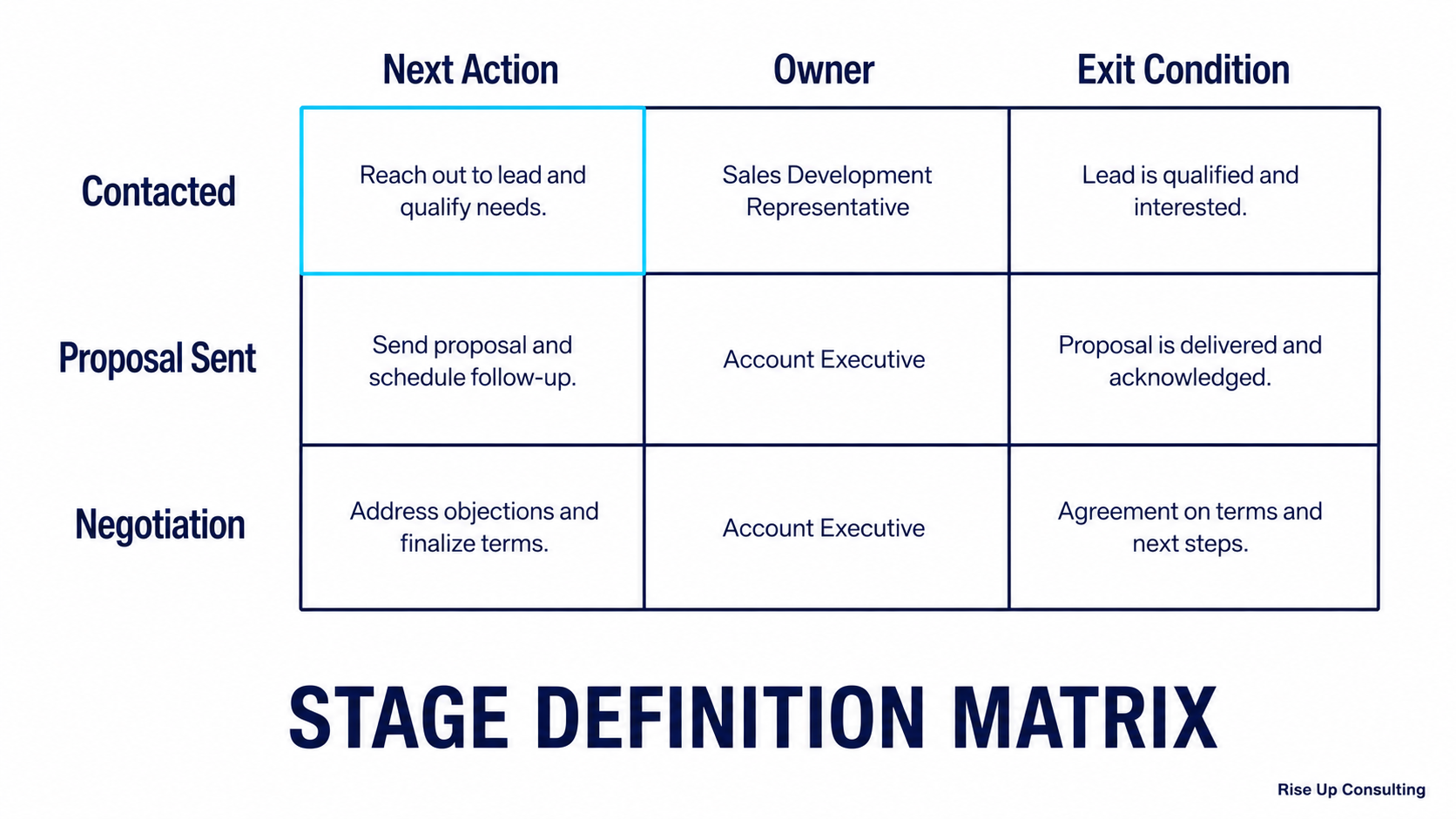
This is where most pipelines go wrong. Stages like "In Progress," "Warm Lead," or "Interested" sound descriptive but tell you almost nothing about what should happen next. Your stages should represent a completed action or a defined moment in the buyer's journey.
A good stage name answers the question:What just happened, or what is waiting to happen?
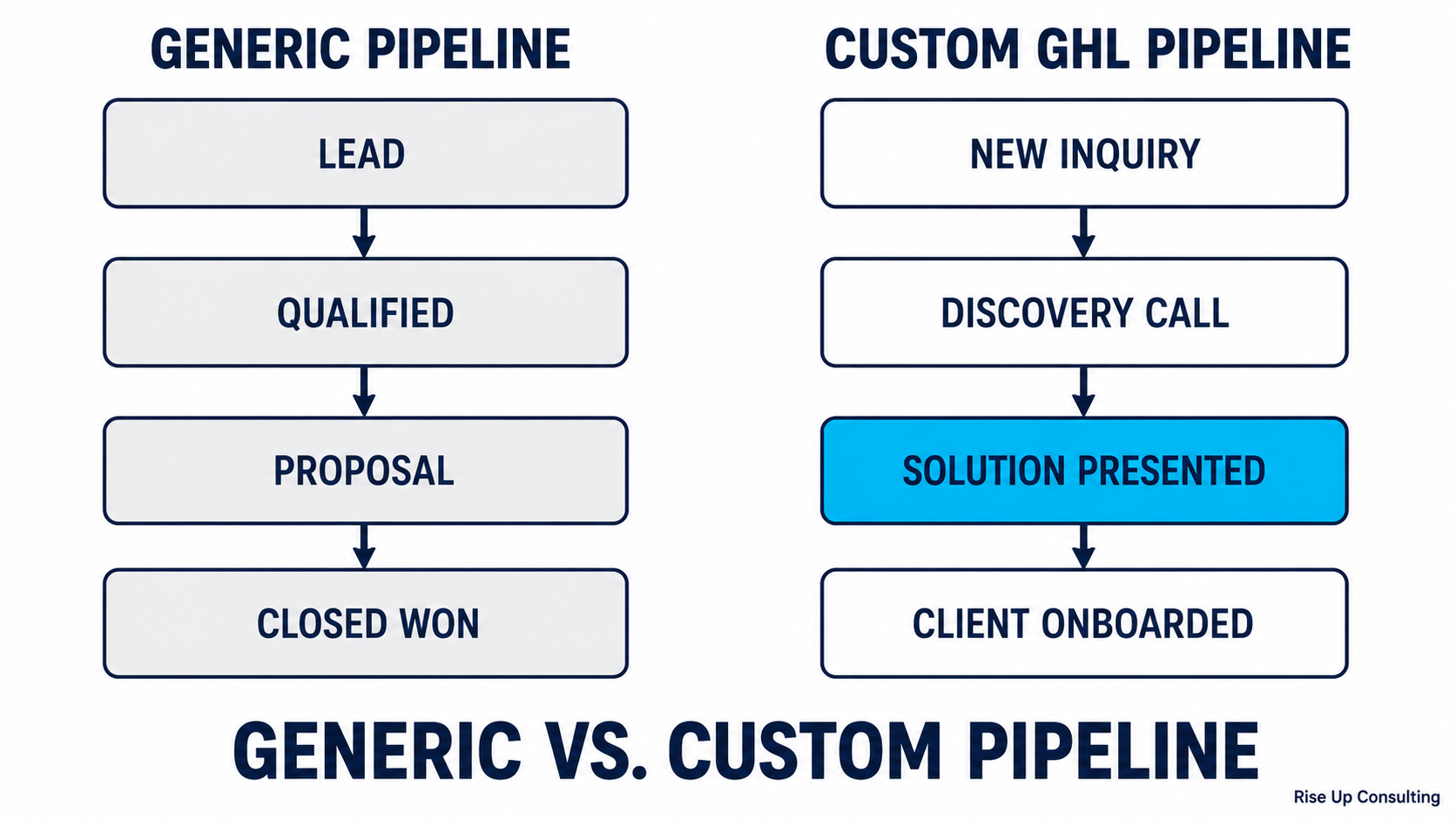
Here's an example of a vague pipeline versus an action-oriented one:
Vague Pipeline
New Lead → Warm → Hot → Closed
Action-Oriented Pipeline
New Lead → Contact Made → Discovery Call Booked → Discovery Call Completed → Proposal Sent → Decision Pending → Won / Lost
The second version tells your team exactly where each lead stands and what the next step is. That clarity is what prevents deals from stalling.
---
Not sure where your pipeline is leaking?Take the free 2-Minute Pipeline Diagnosticto find out in under two minutes.
Step 3: Create Your Pipeline in GoHighLevel
Once you've mapped your stages, here's how to build them in the platform.
From your GoHighLevel dashboard, navigate toCRMin the left sidebar, then selectPipelines. Click theAdd Pipelinebutton and give your pipeline a name that reflects the product, service, or team it's for. If you serve multiple audiences or sell different services, consider building a separate pipeline for each rather than cramming everything into one.
Once the pipeline is created, you'll see an option to add stages. ClickAdd Stageand start entering your stages in order. GoHighLevel lets you drag and drop to reorder them, so don't stress about getting the sequence perfect on the first attempt.
For each stage, keep the name short enough to read at a glance on the Kanban board, somewhere between two and five words tends to work well. The details live in your team's process documentation, not in the stage name itself.
---
Step 4: Assign a Monetary Value and Win Probability (Optional but Useful)
GoHighLevel allows you to assign a default win probability percentage to each stage. This powers your pipeline's revenue forecasting, which becomes valuable when you have enough volume to start predicting monthly revenue.
As a rough guide, early stages like "Contact Made" might sit around 10–20% probability, while "Proposal Sent" might be 50–60%, and "Decision Pending" could be 75–85%. These numbers should reflect your actual historical close rates over time, starting with rough estimates is fine, and you can refine them as you collect data.
If your business tracks deal value, get in the habit of entering an estimated value when you create or move an opportunity. Over time, this turns your pipeline into a forecasting tool, not just a to-do list.
---
Step 5: Keep the Pipeline Clean with Won and Lost
Every pipeline needs clear endpoints. In GoHighLevel, the cleanest way to close a deal out is with the built-in Won and Lost statuses rather than extra closing stages. The next section explains why.
Won is straightforward, the deal is done. Lost is equally important. Many businesses skip this or treat it as a graveyard, but it's actually a data goldmine. When you consistently mark lost deals and optionally tag them with a loss reason, you start to see patterns. Are you losing deals at the proposal stage? After the discovery call? That information shapes how you train your team and refine your offer.
You can also create aNurtureorLong-Term Follow-Upstage for leads who aren't ready now but aren't truly lost. This keeps them visible without cluttering your active pipeline.
---
Stages vs. statuses: the GoHighLevel detail most setups get wrong
GoHighLevel tracks two separate things on every opportunity. The stage is where the deal sits in your process. The status is whether the deal is still alive: Open, Won, Lost, or Abandoned.
A lot of pipelines get built with "Closed Won" and "Closed Lost" as stages and the status never touched. It looks fine on the board, but every opportunity stays Open forever. Your won revenue, your close rate, and your lost reasons in the reporting are all wrong, because GoHighLevel calculates those from status, not from stage name.
The cleaner approach:
- Keep your stages for the active process only.
- When a deal closes, change the status to Won or Lost. The deal leaves the active board and your reports count it properly.
- Require a lost reason every time a deal is marked Lost. After a few months, that list tells you exactly where and why you lose deals.
- Use Abandoned for leads that went silent. It keeps them out of your lost-deal data, which should only hold real decisions.
If you already built Closed Won and Closed Lost as stages, you do not have to rebuild. Add a workflow that sets the matching status whenever an opportunity enters one of those stages.
Step 6: Connect Automations to Pipeline Stage Changes
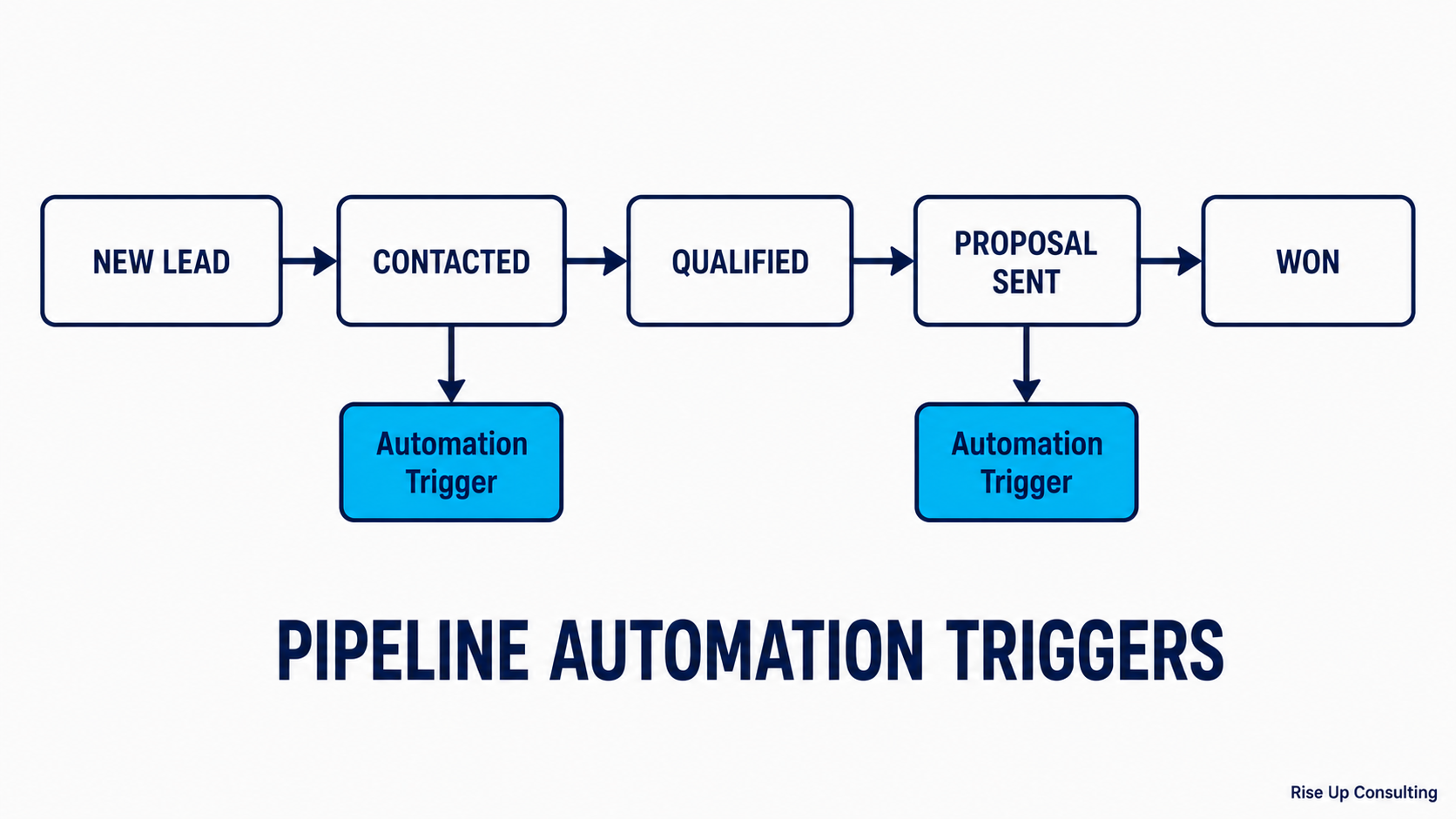
Here's where GoHighLevel earns its reputation. Once your stages are set, you can trigger automations any time an opportunity moves from one stage to another.
For example:
When a lead moves intoDiscovery Call Booked, GoHighLevel can automatically send a confirmation email, add the event to your calendar, and notify the sales rep via SMS. When a deal moves toProposal Sent, an automation can schedule a follow-up task for three days later. When a deal is markedWon, a workflow can fire off an onboarding sequence.
To set this up, go toAutomationsand create a new workflow. Set the trigger to "Pipeline Stage Changed" and specify which pipeline and stage should trigger it. From there, you can add any combination of actions, emails, texts, internal notifications, task creation, tag assignment, and more.
These automations don't just save time. They eliminate the human error that causes leads to go cold.
---
Step 7: Review and Iterate Regularly
No pipeline design survives first contact with reality unchanged. After your first 30 to 60 days of using the pipeline, sit down with your data and ask a few honest questions.
Are leads piling up in one stage? That's a bottleneck, something in your process is stalling there. Are any stages being skipped consistently? They might not reflect how your sales actually flow. Is the team confused about what a stage means? The name or definition needs to be sharpened.
GoHighLevel's pipeline reporting gives you a snapshot of how many opportunities sit in each stage and their total value. Use that view in your weekly sales reviews. The pipeline should be a living system, not something you set and forget.
---
A Sample Pipeline for Service-Based Businesses
If you're not sure where to start, here's a simple seven-stage pipeline that works well for most consulting, coaching, or agency businesses:
New Inquiry→ The lead has come in but hasn't been contacted yet.
Contact Made→ You've had an initial conversation or exchange.
Discovery Call Scheduled→ A formal discovery or strategy call is on the calendar.
Discovery Call Completed→ The call happened and there's genuine interest.
Proposal Sent→ A formal offer, proposal, or quote is in their inbox.
Decision Pending→ They're reviewing and deciding, follow-up is active.
Won / Lost (status)→ The deal has an outcome.
This gives you enough granularity to spot problems without making the pipeline so complex that your team stops using it.
---
Common GoHighLevel pipeline mistakes
- Too many stages. If your team needs to think about which column a deal belongs in, there are too many. Cut stages nobody uses.
- One pipeline for everything. A one-time project and a monthly retainer follow different paths. Give each its own pipeline.
- Deals moved by hand only. If a booked call does not move the opportunity on its own, the board drifts out of date within a week. Let calendar bookings and form submissions move stages automatically.
- No owner on each opportunity. A deal with no assigned user is a deal nobody follows up on.
- No time-in-stage check. Set a workflow that alerts you when a deal sits in Proposal Sent or Decision Pending for more than a few days. That is where most service deals quietly die.
Frequently asked questions
How many pipeline stages should I have in GoHighLevel?
Five to seven for most service businesses. Fewer than four and you cannot see where deals stall. More than eight and your team stops updating the board.
Can I have more than one pipeline in GoHighLevel?
Yes, and you should if you sell different offers with different sales processes. Each pipeline gets its own stages, and reporting can be filtered per pipeline.
How do I move opportunities between stages automatically?
Build a workflow with a trigger such as Appointment Booked, Form Submitted, or Customer Replied, then add the "Create or Update Opportunity" action and pick the target pipeline and stage.
Should Closed Won and Closed Lost be stages or statuses?
Statuses. GoHighLevel's reporting and close rates are based on the Won and Lost status, not on stage names. See the section above if your pipeline already uses closing stages.
Can I rename or reorder stages after the pipeline is live?
Yes. Renaming or dragging a stage keeps the opportunities inside it. Before deleting a stage, move its opportunities somewhere else, and check whether any workflow triggers on that stage.
Final Thoughts
A well-designed pipeline in GoHighLevel doesn't just organize your leads, it reflects how you think about selling. When every stage has a clear definition, a logical next step, and automations supporting the handoffs, you stop relying on memory and gut feel and start running a repeatable, scalable sales process.
Start simple. Get your team using it consistently. Then layer in complexity as the data tells you where it's needed.
That's how pipelines actually get built, not all at once, but one stage at a time.
---
Not sure your current pipeline is set up right? Take the free 2-Minute Pipeline Diagnostic to see how much revenue your follow-up gaps are costing you. If you would rather walk through it live, book a free revenue audit. 30 minutes, no pitch.